If you've made it this far, you're probably already concerned about your digital footprint. You check what your IP address is, perhaps hide it with a VPN, and pay attention to the information you share while browsing. That's all good practice, but it leaves out one aspect that often goes unnoticed: it doesn't matter how well hidden your connection is if your account passwords are weak or you reuse them across half the Internet. Privacy doesn't end with your IP address; it also starts at the front door of every account.
And that door is forced open more often than you might think. Data breaches happen constantly, and when a password is leaked, one of the first things attackers do is try the same credentials on your other services. If you always use the same password, they may gain access to several accounts at once without needing to know your IP address or break any encryption. That's why, alongside the tools you already use to protect your connection, more and more people are adding a password manager to their privacy routine.
Hiding your IP protects the journey, not the destination
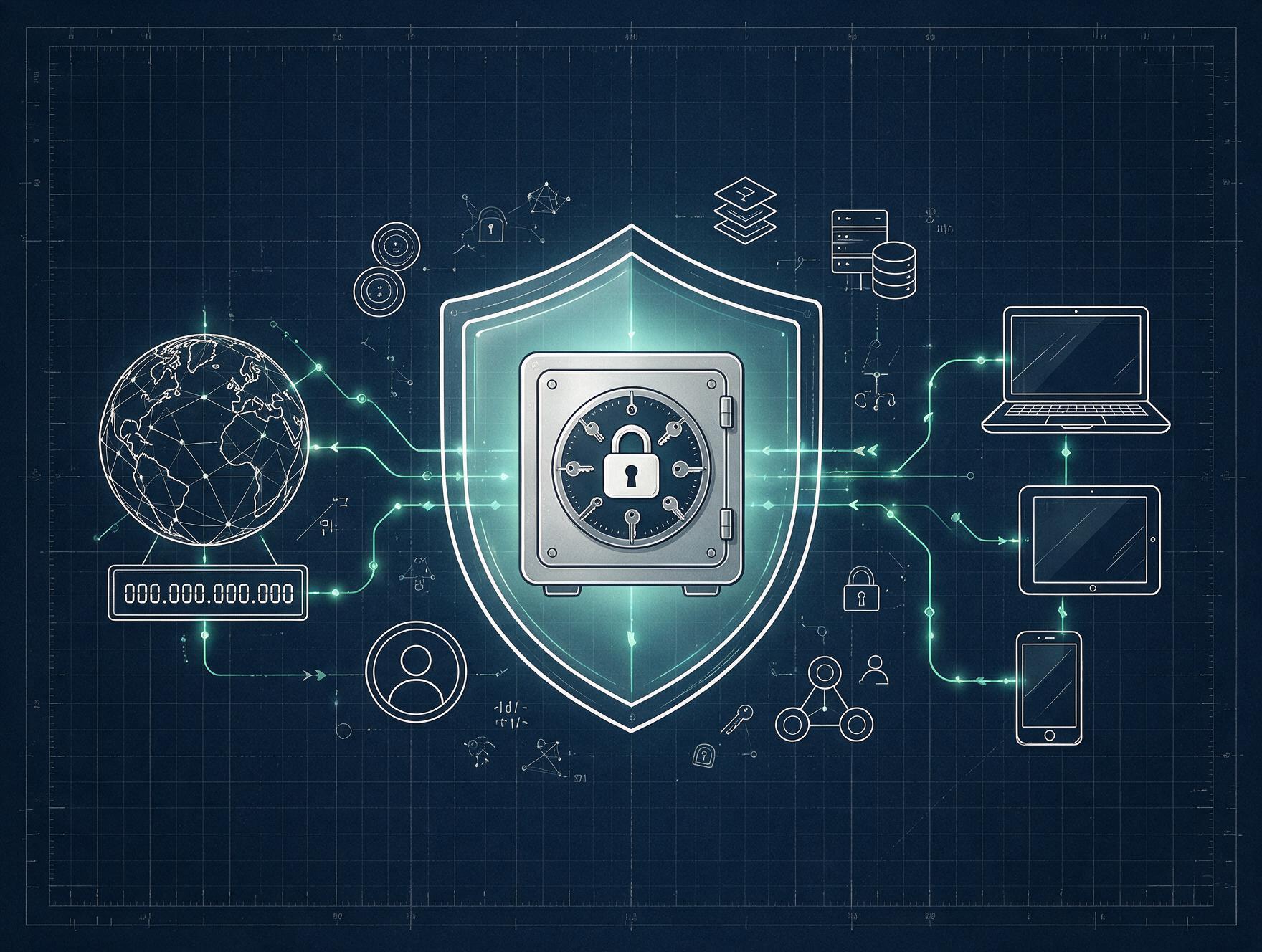
It's important to understand what each layer of protection actually covers. A VPN or hiding your IP address protects the route your data takes and makes it harder to track you while you browse. But it won't stop someone from accessing your email if they've obtained your password through another method, such as a phishing scam or an old data breach. These measures complement each other; they aren't interchangeable.
|
Hiding your IP or using a VPN |
Password manager |
|
Protects your connection and your browsing footprint |
Protects access to your accounts |
|
Makes tracking and geolocation more difficult |
Helps prevent account theft caused by reused or weak passwords |
|
Protects data while it travels |
Protects the destination: each individual account |
|
Can't protect you if your password has been leaked |
Limits the damage if one account is compromised |
When you look at them together, it's easy to see why one alone isn't enough. Strong online privacy combines both layers.
Where a password manager fits in
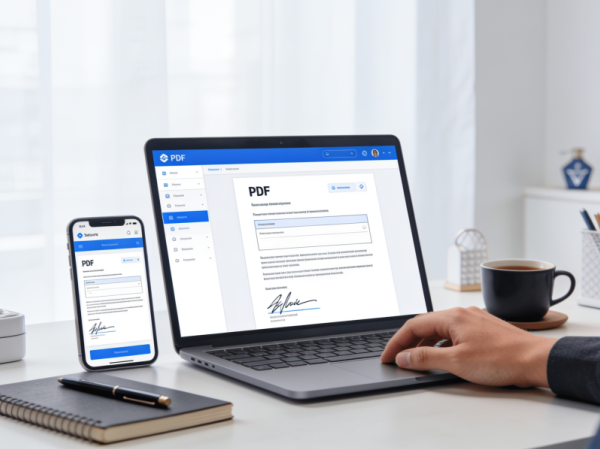
The tool that completes the picture is a password manager: an application that stores all your credentials in encrypted form and only requires you to remember one master password. It generates long, unique passwords for each service, fills them in automatically, and synchronizes them across your devices. This means that having a different password for every website stops being a hassle and becomes the norm.
This isn't just an isolated piece of advice. Leading cybersecurity organizations recommend the same approach. Spain's Internet Security Office (OSI), part of INCIBE, recommends these tools as part of its guidelines on secure passwords. The logic is similar to the approach you already take with your IP address: reducing the number of ways someone can reach or compromise your information.
To get the most out of a password manager, it's worth combining it with a few basic habits:
- Enable two-factor authentication on your most sensitive accounts, especially your email account.
- Don't reuse passwords; let your password manager generate unique ones for you.
- Check from time to time whether your information has appeared in a known data breach.
One more layer of protection, with very little effort
The good thing is that adding this extra layer takes very little effort. Installing a password manager, importing your existing passwords, and starting to replace reused ones only takes a little time, and from then on the manager does most of the work for you. If you already spend time protecting your IP address and your browsing footprint, leaving your passwords exposed is like carefully locking the windows while leaving the front door open. Completing your security setup is one of those small decisions you rarely notice when everything goes well, but it can make all the difference when a data breach puts your accounts to the test. For more information on good security practices, this overview of cybersecurity tips to protect your online privacy is a useful place to start.
Related content