Buying a new computer is not only about choosing the nicest design, the lowest price or the model with the most storage. Today, we use laptops to access online banking, manage documents, make video calls, store passwords, shop online and work from almost anywhere. That is why, before choosing a laptop, it is important to review several aspects that directly affect security, privacy and daily comfort.
A laptop designed for browsing and work should offer a good balance between performance, battery life, updates, connectivity and protection. You do not always need the most expensive device, but you should understand which features can make a real difference.
Processor and memory: the basis for smooth work
For common tasks such as browsing the web, using email, editing documents, joining video calls or managing online tools, a high-end laptop is not always necessary. However, it is worth avoiding configurations that are too limited.
A modern processor and enough RAM help the system run smoothly, even when several browser tabs are open. This is especially important because many work applications now run in the cloud, including email, CRM platforms, spreadsheets, project management tools and video conferencing services.
As a general reference, for comfortable office, study or remote work, it is advisable to look for at least 8 GB of RAM, although 16 GB offers more room for future use.
SSD storage: speed and less waiting
The type of storage also has a major impact on the experience. An SSD allows the system to start faster, programs to open more quickly and daily tasks to feel much more responsive. Compared with older mechanical hard drives, SSDs are quieter, faster and more resistant to movement.
If you plan to store many documents, images or work files, you should also check the capacity. For basic use, 256 GB may be enough, but 512 GB gives you more flexibility.
An updated and compatible operating system
A laptop’s security depends largely on whether its operating system receives updates. These updates fix vulnerabilities, improve stability and help protect the device against recent threats.
Before buying, check that the laptop is compatible with current versions of the operating system and that it is not an outdated model. A cheap device may become expensive if it stops receiving security updates too soon.
Browsing privacy: beyond antivirus software
When you browse the Internet, websites may learn certain information about your connection, browser, operating system and even your public IP address. This does not automatically mean you are in danger, but it is useful to know what kind of data you share when you connect.
A secure laptop should allow you to use updated browsers, reliable extensions, pop-up blocking and protection tools against malicious websites. It is also advisable to activate safe browsing features, tracker blocking and advanced permissions for camera, microphone and location access.
Connectivity: modern WiFi and useful ports
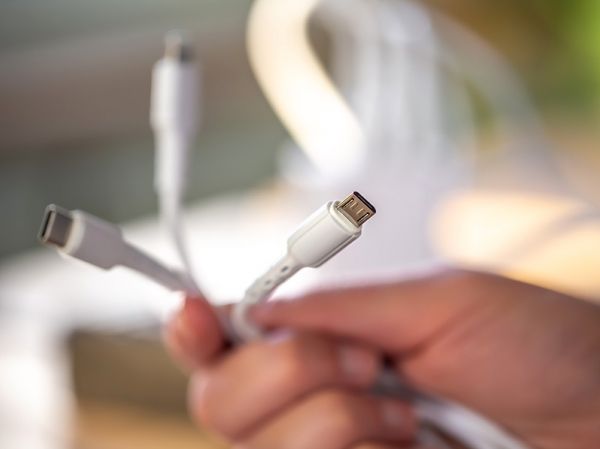
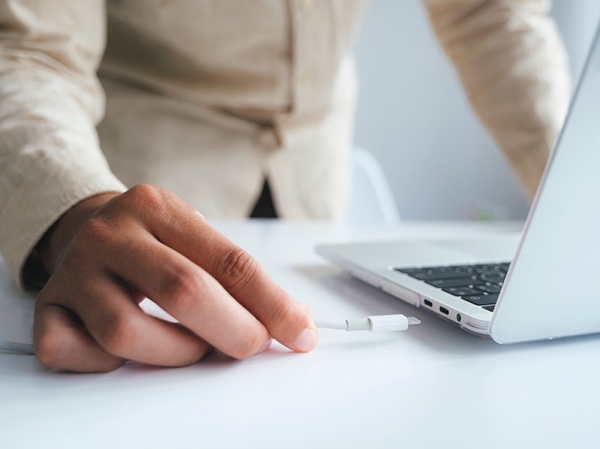
Connectivity is another important point. A modern laptop should offer a good WiFi connection, stable Bluetooth and enough ports for your needs. If you work with external monitors, hard drives, card readers or network adapters, check the available connections carefully.
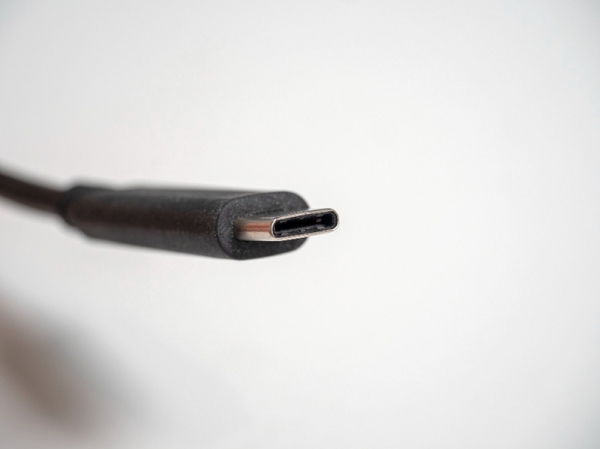
It is also worth considering whether the device includes USB-C, HDMI or a card reader. Some very thin laptops require additional adapters, which can be inconvenient if you often work away from home.
Webcam, microphone and physical security
Video calls are part of many people’s daily routine. For that reason, webcam and microphone quality can be important. But you should not only think about image quality; you should also think about privacy.
Some laptops include a physical camera shutter, fingerprint reader or facial recognition. These features help protect access to the device and reduce risks when using it in shared spaces, coworking areas, libraries or cafés.
Battery life and mobility
If you work from different places, battery life is essential. A laptop with good autonomy allows you to attend meetings, travel or work outside the home without always depending on a power socket.
Weight also matters. A powerful but heavy laptop may not be practical if you carry it every day. A lightweight device with good battery life may be much more useful for students, freelancers and remote workers.
Security on public networks
Many people use their laptop in hotels, airports, cafés or libraries. In these cases, security depends not only on the device itself, but also on the network you connect to.
When using public WiFi, avoid entering sensitive data if you are not sure about the connection. It is also recommended to use HTTPS websites, keep the system updated and consider a reliable VPN if you work with confidential information.
Quick checklist before buying
- A modern processor suitable for several years of use.
- At least 8 GB of RAM, preferably 16 GB.
- An SSD with 256 GB or 512 GB as a recommended minimum.
- An updated operating system with active support.
- Good battery life if you work away from home.
- Modern WiFi and suitable ports for your accessories.
- Webcam, microphone and physical privacy options.
- Compatibility with security tools and safe browsing features.
In this article we have learned that
Choosing a new laptop for safe browsing and work is not only about price. You should also review the processor, RAM, storage, battery life, connectivity and privacy features.
A good device should let you work smoothly, protect your data and browse the Internet with greater confidence. Once you know what type of laptop you need, it is also useful to check what information your connection shows to the outside world.
To get started, you can use the main tool at Cualesmiip.com and see your public IP address instantly.
Related content