You may never have stopped to think about how useful it can be to sign documents online. But if you're about to finalize the lease on your new home, accept an important job offer, or approve a supplier's quotation, and you don't have a printer nearby or you've run out of ink, the situation quickly changes.
Fortunately, the days of printing, signing by hand, and scanning documents are over. Today, you can sign documents electronically quickly, conveniently, and efficiently. This allows you to complete any paperwork from your computer or mobile device, wherever you are, without wasting valuable time.
How to Sign a PDF Online for Free Easily
If you're looking for a way to sign a PDF online for free, there are online solutions that let you do so while maintaining the highest security standards. The best way to ensure these digital processes are reliable is by using certified and trusted tools.
For example, Signaturit Group is a European technology partner specializing in the digital transformation of public and private organizations. It provides electronic signature, digital identity, and document management solutions that guarantee the legality, security, and traceability of critical transactions.
Step-by-Step Guide to Signing a PDF Online for Free
Wondering how to create your digital signature securely and sign documents online? Don't worry. Creating a digital signature and adding it to your files is simple and accessible to anyone using the right tools.
Below are the standard steps followed by leading electronic signature platforms. You can complete the process in just a few minutes without requiring advanced technical knowledge.
Step 1: Upload and Prepare Your Document
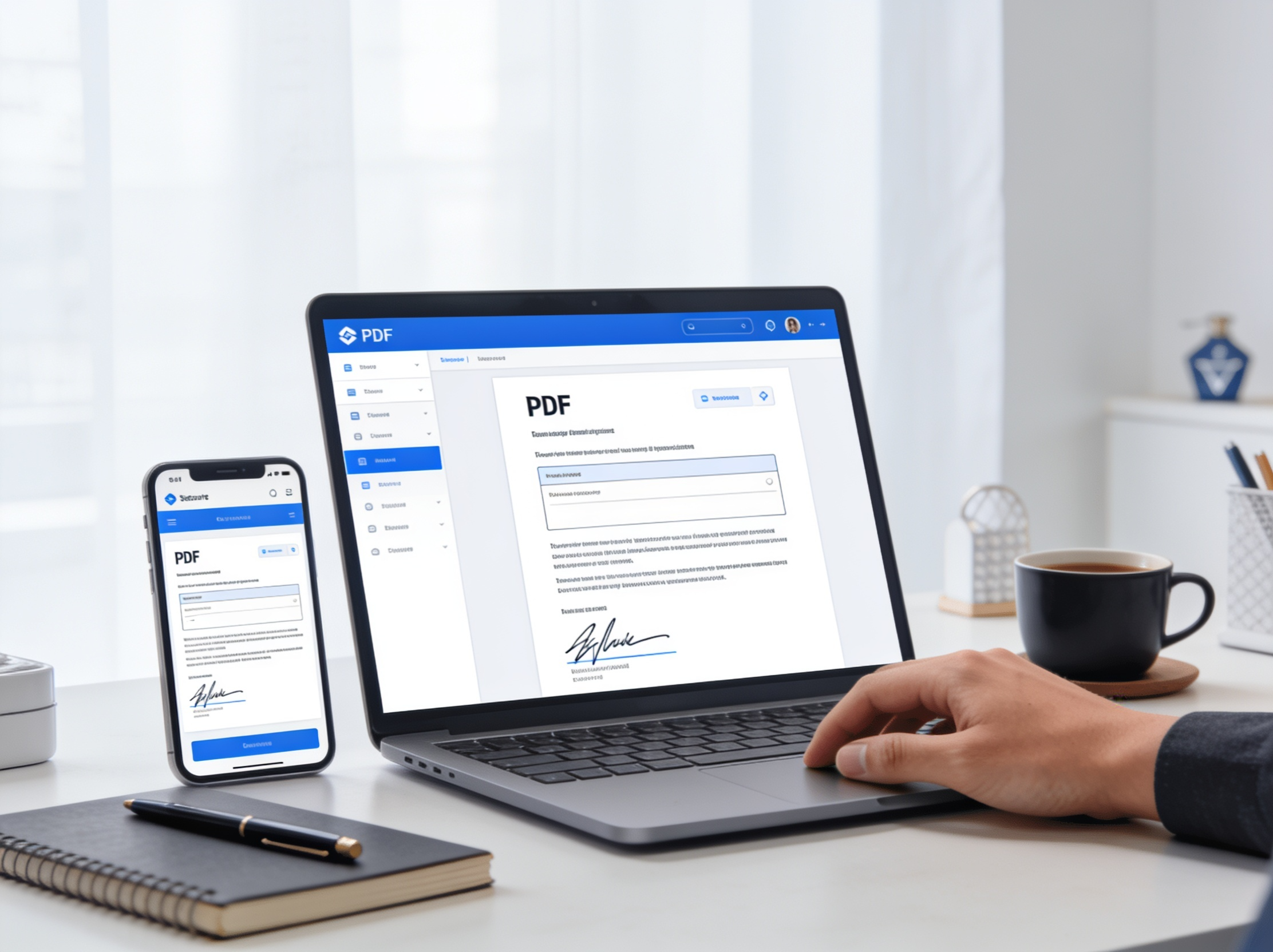
The first step is to open the application and upload the document you need to sign. In most cases, you simply drag and drop the PDF file directly into the platform.
The system will process the document securely and display a preview so you can review every page before signing.
Step 2: Create and Customize Your Digital Signature
Once your document has been uploaded and previewed, the next step is to add your signature.
Most platforms provide several intuitive options. You can draw your signature using your finger on a touchscreen device, use your computer's mouse, or simply type your name and let the platform generate a clean handwritten-style signature.
Step 3: Position and Resize Your Signature
After your signature has been created, you'll need to place it in the appropriate location. Simply drag it to the signature field, dotted line, or designated area within the document.
These solutions also allow you to resize the signature proportionally by dragging its corners, ensuring it looks clean, professional, and properly aligned.
Step 4: Apply Security Measures and Download the Final PDF
Finally, the platform applies a digital seal to the document, securely linking your signature to the PDF's content.
Once processing is complete, you'll receive a download link for the signed file. The resulting PDF will contain a tamper-evident digital signature and will be ready to send by email or through any messaging application.
Benefits of Using Free Electronic Signature Technology
Choosing a trusted platform for managing your digital documents makes a significant difference in both efficiency and peace of mind. Solutions developed by industry experts provide key advantages beyond simply adding a signature to a document:
- First, they offer significant time savings by allowing you to receive, sign, and send contracts from a single digital environment within seconds.
- Second, they deliver an excellent user experience, enabling anyone to sign documents from a smartphone without installing complex software or completing lengthy registration processes.
- Finally, they provide enterprise-grade technical security, ensuring every transaction complies with data protection regulations and secure information storage requirements.
Legal Considerations When Signing Documents Online
It's perfectly reasonable to wonder whether a free online digital signature has the same legal validity as a traditional handwritten signature. Within the European Union, these processes are regulated by the eIDAS Regulation, which establishes the legal framework for electronic signatures.
This legislation defines different levels of electronic signatures depending on the type of transaction. A simple electronic signature is generally sufficient for everyday authorizations or low-risk internal communications.
However, for important commercial agreements, employment contracts, or financial documents, using an advanced electronic signature is highly recommended. This method captures not only the visual signature but also biometric information and signer metadata, ensuring document integrity and proving that the content has not been altered after signing.
Conclusion: Enjoy the Convenience of Signing PDFs Online Securely
Digital transformation has shown that signing documents online is no longer limited to legal departments or large corporations. Thanks to modern web-based solutions, individuals and businesses alike can validate documents instantly, eliminate unnecessary paper usage, and accelerate decision-making.
If you're looking to combine the speed of digital workflows with maximum legal certainty and document traceability, using a trusted electronic signature platform is the ideal solution. Start digitizing your signatures today and take your document management to the next level of efficiency.